Lattuce tutorial · Writer
Sources in Writer
Upload, attach, inspect, and ask questions about research sources in a Writer paper.
Sources are the evidence layer for a manuscript. Keep a source in Library first, then attach it to the paper sections or study context that need it. Attaching a source does not rewrite the source or make it public.
Upload references
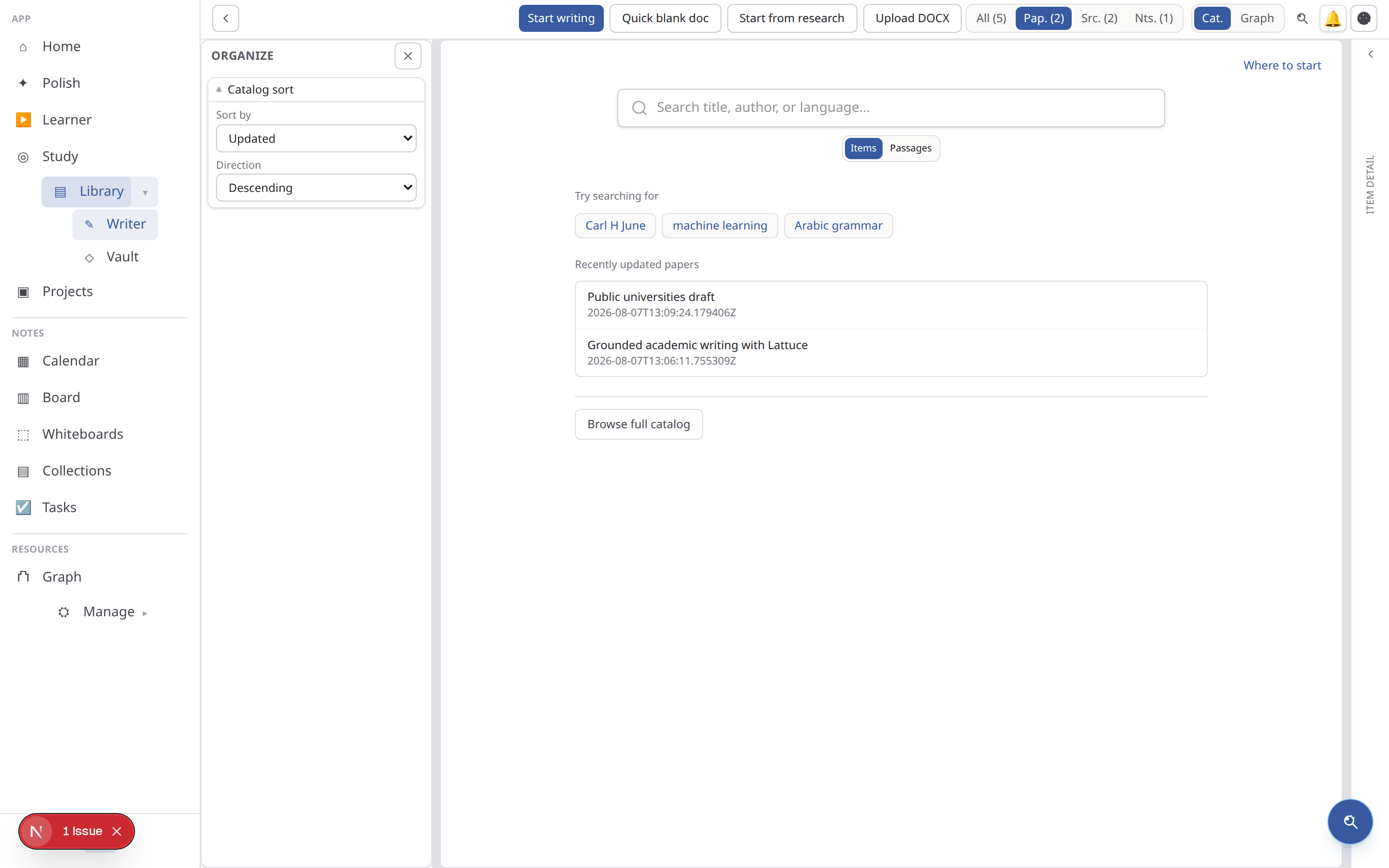
Go to Library (/library, filter References) or use the sources pane in a paper workspace. Drop PDFs or DOCX files; wait until extraction status is ready.
Zotero: open Library → References → Add references and use the Zotero panel to sync metadata, rich-import a collection, or push bibliographic metadata back (ZOTERO_WRITEBACK=1). Connect a personal or group API key in the panel when the operator has not set shared keys.
Source readiness checklist
- Give the file a useful title and verify the author/year metadata.
- Wait for extraction to show ready before asking grounded questions.
- Open the source once and check that the text, pages, and citation metadata look correct.
- Keep duplicate imports separate until you know which version should ground the paper.
Attach to a paper
From the paper Sources left pane, attach library sources to scope compose and study.
Attach only the sources relevant to the current argument when possible. A smaller, deliberate scope makes source previews and grounded answers easier to audit. Detach a source when moving from one section to another rather than mixing unrelated evidence into every prompt.
Ask about a source
Open a source viewer and use Ask in the center column — side-by-side with the document when wide, or the Source / Ask tabs when narrow — for grounded Q&A over the extracted text.
If something is missing
- The row is still processing: wait for extraction, refresh once, and check the file format or server logs before re-uploading.
- The answer has no citation: make sure the source is attached and that the question names the relevant section or claim.
- Metadata is wrong: edit the source record before exporting a bibliography.
- The paper cannot see the source: confirm you are in the correct household/account and that the source is attached to this paper, not only present in Library.
For the end-to-end sequence, continue with The Writer paper lifecycle.
Browse more in Writer or return to all tutorials.