Lattuce tutorial · Writer
The Writer paper lifecycle
Follow a complete Writer paper workflow from sources and research through drafting, review, translation, and export.
This guide follows a manuscript from the first research question to a reviewed export. Open Writer from the home screen, or use Library → Manuscripts to return to an existing paper.
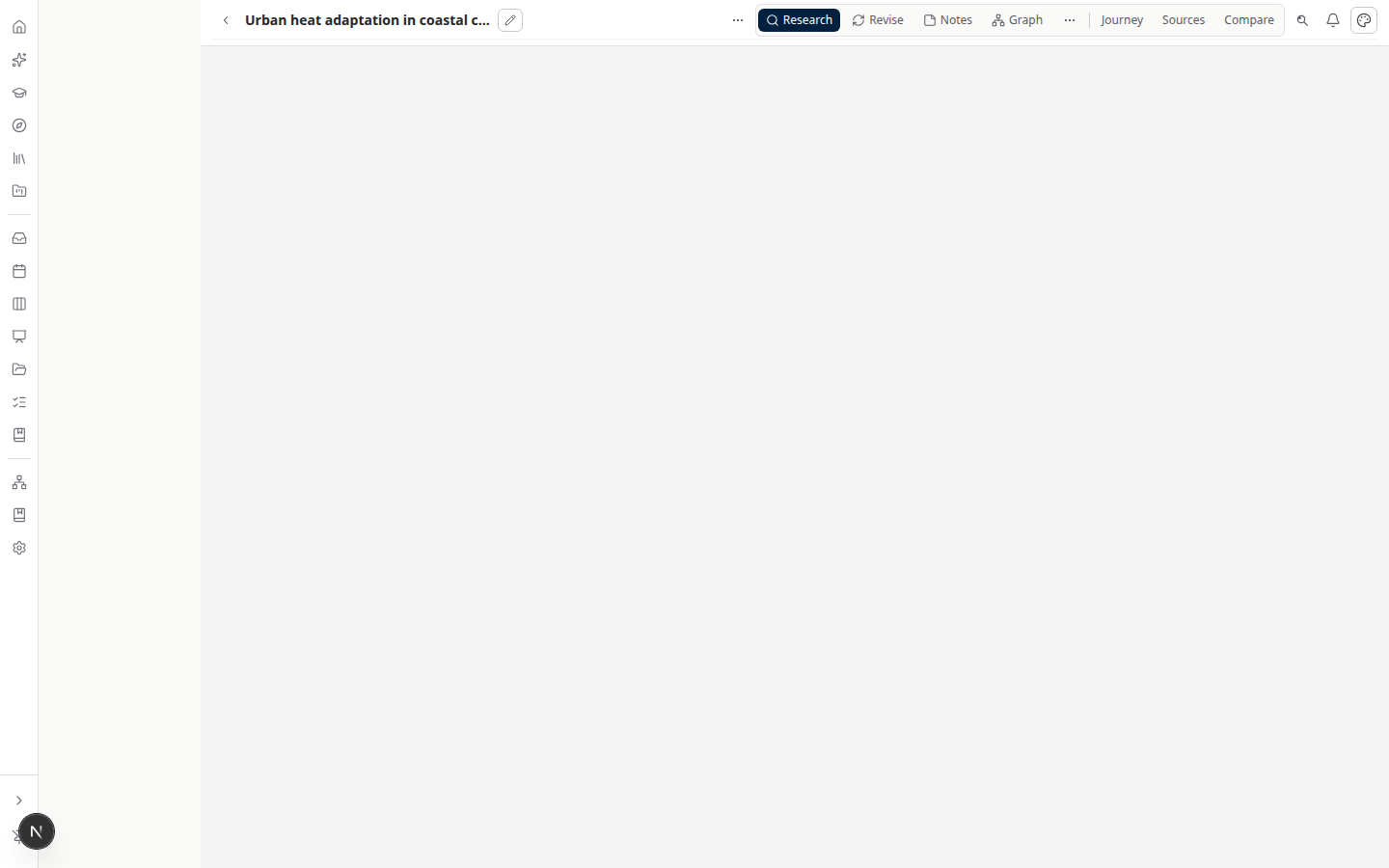
The paper hub is the navigation spine: use Research to build evidence, Write or Compose to author, Revise to interrogate sources, Notes and Graph to preserve context, Journey to move between stages, and Sources to manage the evidence set.
1. Choose how to begin
Select New paper and choose the starting point that matches your work:
- Start from research opens the Research workspace for a topic, plan, discovery, and synthesis.
- Start writing opens a compose-first paper with an outline ready for drafting.
- Polish a draft imports or opens an existing draft for review and rewriting.
- Prepare for translation starts the DOCX-to-translation workflow.
You can change direction later. The paper header links the same manuscript to Write, Research, Translate, and Read modes.
2. Add and organize sources
Open Library to upload PDFs or DOCX files, import references, or find a source in the catalog. Wait for a source to become ready before relying on extracted text, citations, or grounded answers. Attach ready sources to the paper from the paper’s Sources pane.
Use the paper source pane to:
- filter the sources in scope;
- open a side-by-side source reader;
- ask a grounded question about extracted text; and
- insert a source key with
@while writing.
For discovery, use Research → Literature Search to browse catalog results without starting a mission. Approve a discovered source before treating it as part of the paper’s evidence.
3. Research before drafting
Open Research on the paper to move through Topic → Clarify → Catalog check → Research plan. A completed plan can run literature discovery or literature-review missions. Missions may propose sources, notes, and section drafts; review and approve proposed changes before they enter the manuscript.
On a completed mission, read the synthesis and evidence matrix, then choose Compose from synthesis. This creates approval-gated section drafts in Write. Mission reports can also be exported as Markdown or BibTeX for handoff.
4. Write with evidence in scope
In Write, add and reorder sections in the outline. Use Assistant → Compose for a section draft, or write directly in the editor. Keep the relevant sources attached and pin claims with @ citations. When available, run the grounding check before export.
For a distraction-free canvas, choose Focused write. Sources and Assistant become flyouts, while Beside can show a source, slide deck, or paginated Pages preview. Ctrl/Cmd+Shift+G opens compose and Ctrl/Cmd+Shift+P toggles Beside when you are not typing in a field.
The selection toolbar can fix, shorten, tighten, formalize, extend, or brainstorm selected text. Treat generated wording as a draft: verify every claim against the attached source and your faculty or journal requirements.
5. Read, revise, and format
Use Read to inspect the paper as a reader. Use Revise (/papers/{slug}/study) for grounded Q&A over the attached sources, pinned answers, study notes, and flashcards. The paper’s Format workspace provides citation-style and manuscript-format checks; the Timeline and Whiteboards workspaces are useful for planning and visual structure.
6. Translate and export
Translate connects the paper to Weblate for segment-by-segment translation. Writer Translate uses your personal Weblate token from Account settings; it does not expose the shared server token in the browser.
From the export bar, choose DOCX, LaTeX, Typst, or PDF. DOCX is the primary academic delivery path. Review citations, page breaks, tables, diagrams, and translated segments in the exported file before sending it to a supervisor or journal.
If something is unavailable
Writer still supports papers, sources, notes, and basic editing when optional ML services are offline. Grounded suggestions, semantic retrieval, and mission automation require the corresponding server configuration. A source that is still processing is not ready for dependable citations.
Definition of done
Before sharing a manuscript, confirm:
- every cited source is attached to the intended paper and shows ready;
- each section has been read in Read mode after the last generated or translated change;
- citations, bibliography, page breaks, tables, and figures survive the selected export;
- translation segments have been reviewed in Weblate when translation is part of the deliverable; and
- the exported file, source list, and review notes have an owner and a recoverable location.
If you stop mid-workflow, leave a short note in the paper or project describing the next stage. That makes it safe to resume without guessing whether a source, mission, or export was already approved.
Related: Compose a draft · Writer modes · Literature review · Sources
Browse more in Writer or return to all tutorials.