Lattuce tutorial · Notes & Library
Library catalog
Browse, filter, organize, and connect research references in the Lattuce Library catalog.
The Library is the shared catalog for manuscripts, research references, reading material, and notes. Use it as the stable index, then open the Writer, Study, Learner, or Notes surface that owns the next action.
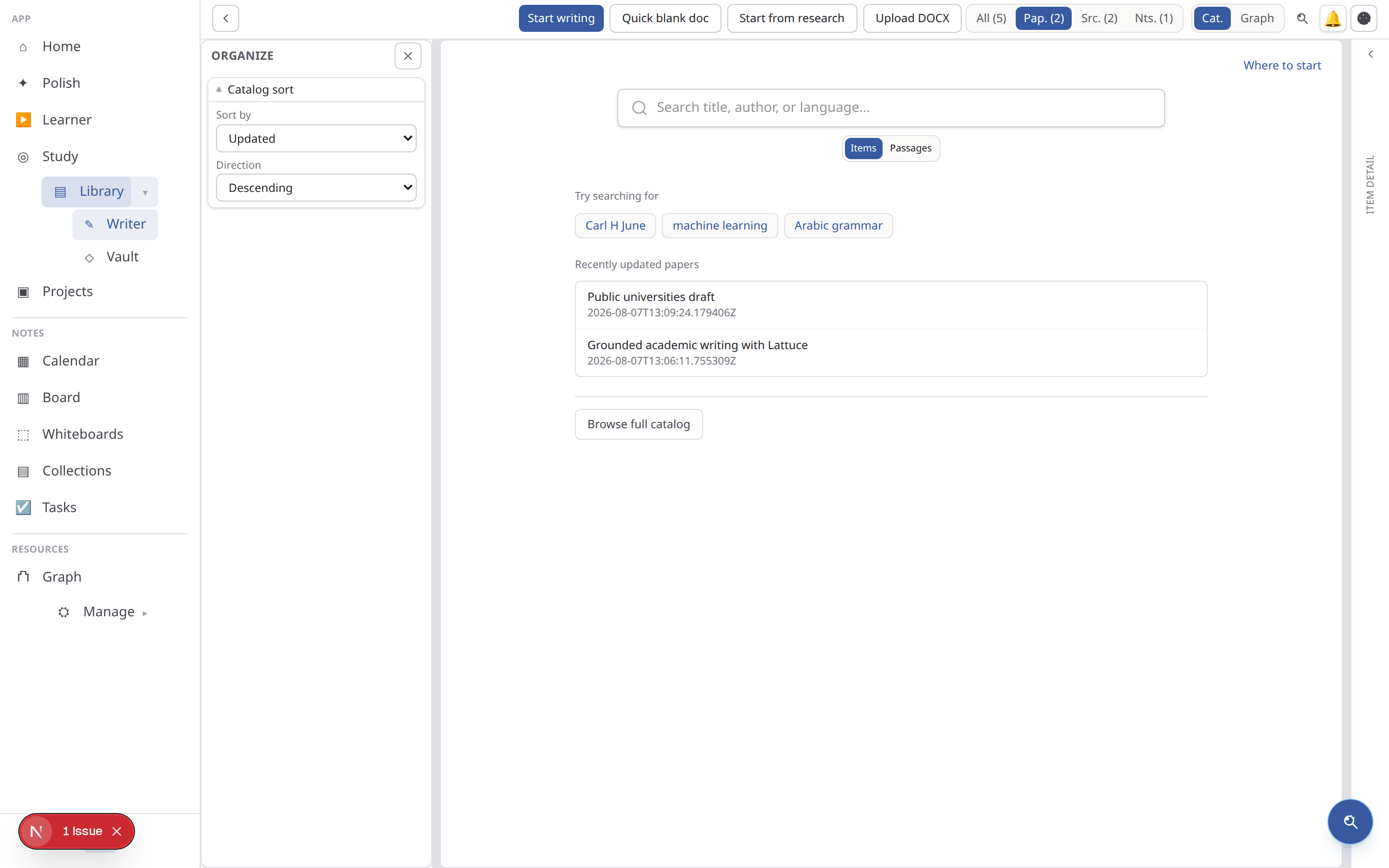
Section and view tracks
The library header has two segment groups:
- Section: All / Manuscripts / References / Reading / Notes
- View: Catalog / Graph
Organize pane
The left Organize pane filters by kind, saved views, collections, and note filters.
Start broad with All, then choose a section and a view. Save a view when the same combination of kind, collection, or tag will be reused; temporary filters are better for one-off searches. Use the search field for titles/authors and the organize pane for structure.
Find items
Use catalog rows to open papers, sources, or notes. Graph view shows relationship layers preset per section.
Check the item type before opening: a manuscript is an authored document, a reference is evidence to attach, and a note is exploratory or planning material. If an item seems absent, clear saved-view filters and confirm the active account or household.
Discover related work from Graph
On Library → Graph, select one or more source nodes (Shift/Ctrl-click up to three). The selection strip offers Explore literature / Explore around sources, which opens the Semantic Scholar similarity graph without leaving your owned topology map first. Double-click still opens the full source page.
Enable the Suggested literature layer and focus a source to overlay dashed ghost neighbors from related-paper recommendations. Import and deeper Prior/Derivative lists remain on /explore/literature. From Explore, use Show in library graph on papers already in your library to return with that source focused.
Screening (Advanced)
Library → Screening runs dual-review (human+human / human+AI / AI+AI) on a frozen Discovery or library snapshot — Queue for sealed votes, Conflicts for arbiter resolution. See Library screening.
The catalog is the right starting point for normal retrieval. Use Graph when relationship context matters, and use Screening only when a frozen candidate set needs independent inclusion decisions. The Library screening guide covers that advanced path.
Recommended research handoff
- Import or discover the reference in Library.
- Check title, author, year, and extraction status.
- Add it to a collection or saved view if it belongs to a project.
- Attach the source to Writer or Study, or clip a passage into Notes.
- Return to the catalog to find the same item later.
Browse more in Notes & Library or return to all tutorials.