Lattuce vs research and team apps
How Lattuce compares to NotebookLM, Elicit, Heptabase, Fabric, Obsidian, and Notion for writing, study, and research at lattuce.app.
For in-app help, ask the product assistant about Lattuce vs research and team apps (help doc jemah-vs-research-apps).
Lattuce is a research workspace at lattuce.app — notes, PDFs, writing with citations, study, and translation. This page helps you choose when you already use NotebookLM, Elicit, Heptabase, Fabric, Obsidian, or Notion.
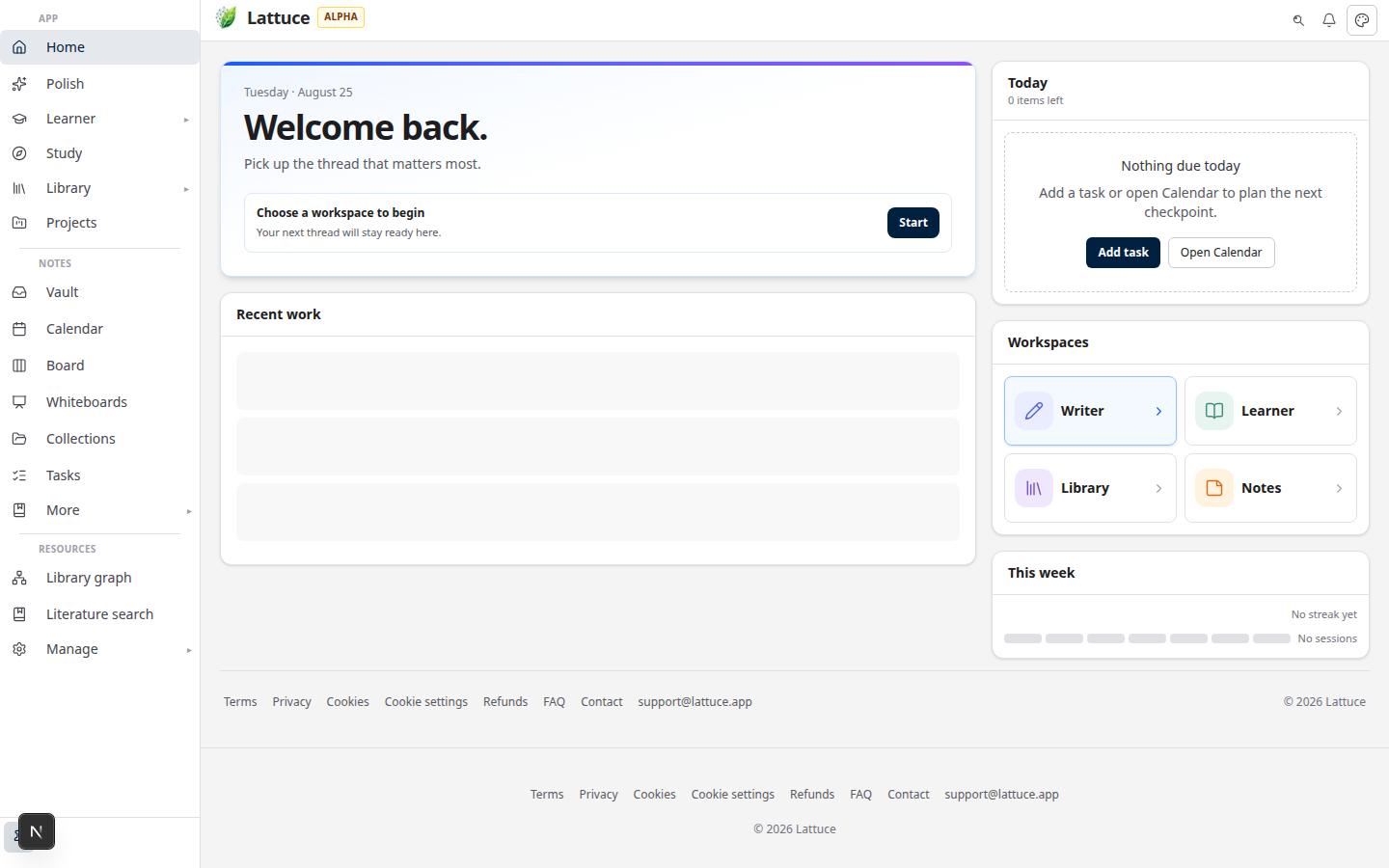
Quick comparison
| App | Best for | Lattuce overlap | Deep dive |
|---|---|---|---|
| NotebookLM | Fast digest of uploads | Study chat, summaries | NotebookLM vs Lattuce |
| Elicit | Corpus-scale literature search and evidence tables | Missions, cited writing after discovery | Elicit vs Lattuce |
| Heptabase | Visual cards and boards | Whiteboards, guided study | Heptabase vs Lattuce |
| Fabric | AI second brain + deep search | Notes vault, whiteboards, Spotlight Ask | Fabric vs Lattuce |
| Obsidian | Local notes vault | Notes, links, graph | Obsidian vs Lattuce |
| Notion | Team wiki and databases | Boards, calendar, projects | Lattuce with Notion |
Which one should you use?
- NotebookLM — you want a fast digest of documents you just uploaded.
- Elicit — you want to search and extract evidence from the published literature at scale.
- Heptabase — you think best with cards on a canvas.
- Fabric — you want a unified AI workspace with deep search and capture.
- Obsidian — you want local markdown notes with plugins.
- Notion — the job is a team wiki or project databases.
- Lattuce — you want sources, study, and cited writing in one account at lattuce.app.
Common paths on Lattuce
Coming from NotebookLM
- Add sources to Library or a paper.
- Open Study or Revise to chat over your reading.
- Use Digest this collection for audio, tables, and mind maps.
- Draft in Writer with citation checks.
Coming from Heptabase
- Notes → Whiteboards for cards and clips.
- Note graph for connections between ideas.
- Guided study from your sources.
- Export sections to Word when ready.
Coming from Fabric
- Library — import PDFs and references instead of cloud connectors.
- Study or Revise — grounded chat over your sources.
- Notes → Whiteboards — spatial synthesis with source clips.
- Spotlight (Cmd/Ctrl+K) — search vault and library; Ask for help.
- Writer — citation-verified compose and Word export.
Coming from Obsidian
- Notes for markdown, tasks, calendar, boards.
- Built-in PDF library and reader — no plugin stack.
- Ask across your notes (optional your own AI keys in settings).
Coming from Notion
Use Lattuce for research and papers, not replacing your team wiki. See Notion vs Lattuce.
What the other apps still win
- NotebookLM — the fastest upload-to-digest loop going: zero research-pipeline setup for a quick notebook, inside the Google account you already have. More in NotebookLM vs Lattuce.
- Elicit — corpus-scale literature search, evidence tables, and systematic-review workflows over 138M+ papers. More in Elicit vs Lattuce.
- Heptabase — best-in-class visual card and canvas thinking, with a mature whiteboard and card-library feel. More in Heptabase vs Lattuce.
- Fabric — polished AI second brain with deep search, web clipper, and apply-preview edits across connected clouds. More in Fabric vs Lattuce.
- Obsidian — local-first markdown with a huge plugin ecosystem; you own an offline vault with no hosted account required. More in Obsidian vs Lattuce.
- Notion — team wiki, real-time co-editing, and databases with formulas and automations; lab ops and project management at scale. More in Notion vs Lattuce.
What Lattuce wins
- One research account — sources, study, and cited writing together at lattuce.app, not scattered across apps.
- PDF library and reader built in — no plugin stack to assemble or maintain.
- Citation-checked writing — draft against your sources, with an academic Word (DOCX) export path.
- Guided study and digests — chat, audio, tables, and mind maps over your own sources.
- Optional your own AI keys — add them in settings when you want AI features on your terms.
- Complements Notion — keep Notion for team ops and use Lattuce for research; see Using Lattuce alongside Notion.
What feels smooth today
| Feature | What to expect |
|---|---|
| Whiteboards | Save conflicts resolved with clear merge choices |
| Large note graphs | Switches to a simpler 2D view on big vaults |
| Study without AI keys | Banner explains what to add in settings |
| Zotero | Metadata import by default; richer import when you connect Zotero |
Getting started
Sign up at lattuce.app. For what is available today and upcoming apps, see where you can use Lattuce.
Bottom line
Pick the app that matches the job — NotebookLM for a quick digest, Elicit for corpus-scale evidence search, Heptabase for visual thinking, Fabric for an AI second brain, Obsidian for a local vault, Notion for a team wiki — and pick Lattuce when the job is research itself: sources, study, and cited writing in one account at lattuce.app. Then read the head-to-head for the tool you use today: NotebookLM vs Lattuce, Elicit vs Lattuce, Heptabase vs Lattuce, Fabric vs Lattuce, Obsidian vs Lattuce, or Notion vs Lattuce.
Bahasa Melayu: Lattuce vs aplikasi penyelidikan (MS).