Obsidian vs Lattuce — notes vault or full research workspace?
Compare Obsidian and Lattuce for markdown notes, links between notes, PDF sources, and academic writing.
Obsidian is the gold standard for local notes — markdown files on your computer, links between notes, plugins, and full control of your vault. Lattuce is a research workspace at lattuce.app that includes notes plus PDFs, writing with citations, study, and translation in one place.
Many researchers use Obsidian for notes and add plugins for Zotero, PDFs, and AI chat. Lattuce is for people who want those workflows without building a plugin stack.
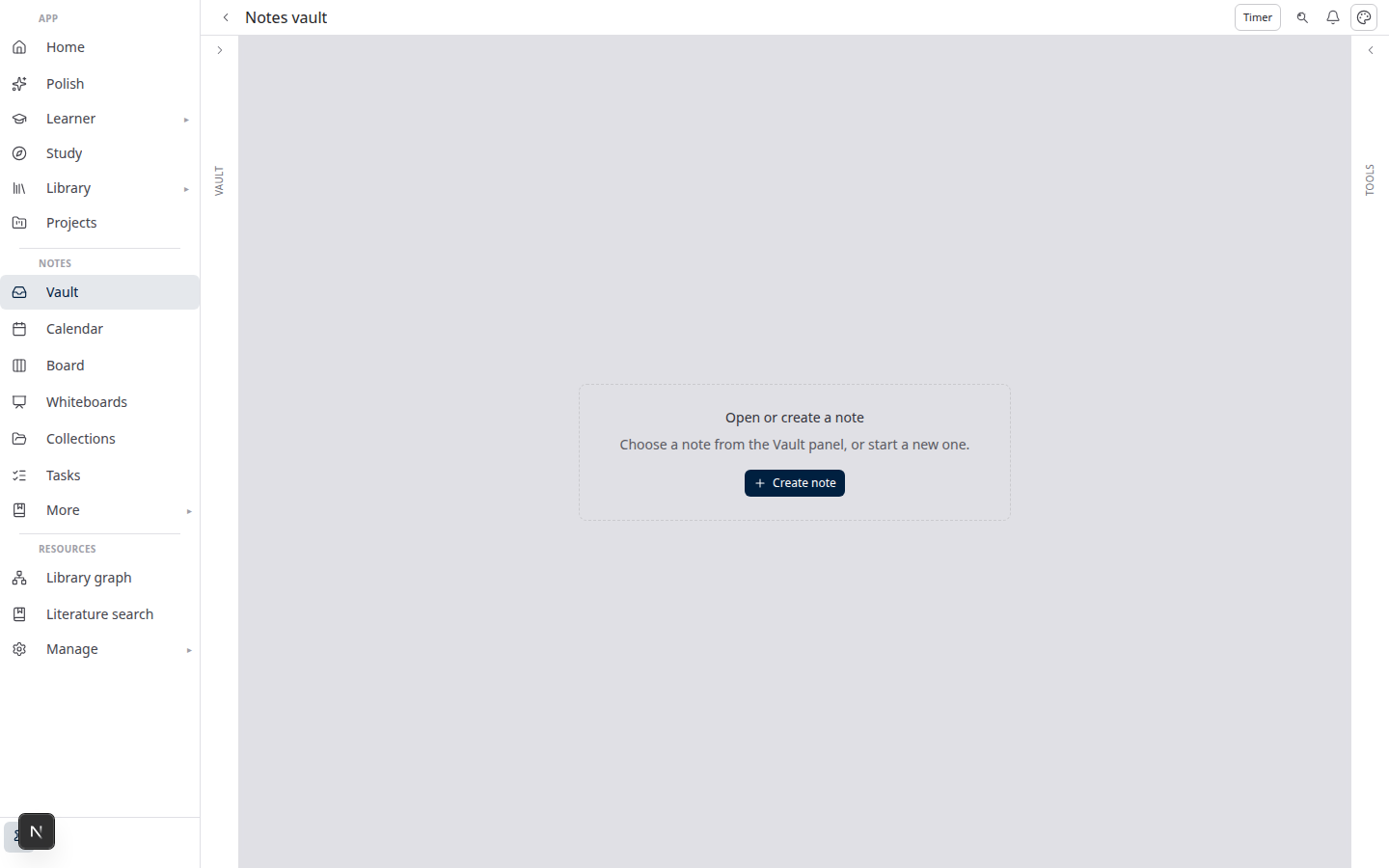
In short: use Obsidian when a flexible local notes app is the whole job; use Lattuce when notes are one step toward a finished paper with references.
Quick comparison
| Obsidian | Lattuce | |
|---|---|---|
| Core job | Local notes + community plugins | Research + writing at lattuce.app |
| Notes | Markdown files on your device | Notes with links, graph, boards, calendar |
| Offline | Strong on desktop and mobile | Browser today; desktop app planned |
| PDFs & sources | Via plugins | Built-in library, reader, and highlights |
| Academic writing | Plugins or export to Word | Writing with citation checks → Word export |
| Study / AI chat | Via plugins | Study over the PDFs you uploaded |
| At lattuce.app | Local-first (optional Sync) | Sign in at lattuce.app |
| Plugins | Huge community marketplace | Built-in modules — less assembly |
What Obsidian still wins
- Plugin marketplace for almost any niche workflow
- Files stay on your device — no account required for local use
- Canvas, Excalidraw, and community templates at scale
- Lower friction for notes-only use
What Lattuce wins
- PDF library and reader without plugins
- Writing with citation checks and section approval → Word export
- Study and revise over your reading (exam prep, summaries, flashcards)
- Research missions with exported evidence
- Lingo for language reading and vocabulary review
- Ask across your notes, library, and papers (optional your own AI keys)
- Collaborative translation when you publish in more than one language
A typical path on Lattuce
- Notes — markdown, tasks, calendar, boards, links between notes.
- Library — upload PDFs and web sources (optional Zotero import).
- Writer — draft sections tied to your sources; export to Word when ready.
- Study — chat and summaries over your collections.
When to use both
Keep Obsidian for a daily journal or a plugin-heavy setup you already love. Use Lattuce when you need papers, sources, study, and Word export at lattuce.app.
Bottom line
Choose Obsidian for a flexible local notes vault. Choose Lattuce for notes plus PDFs, cited writing, and study on lattuce.app.
See also: Lattuce vs research apps · Notion vs Lattuce
Bahasa Melayu: Obsidian vs Lattuce (MS).