How to import articles and books into Lattuce Learner
How to import articles, EPUB books, YouTube videos, and subtitles into Lattuce Learner for language learning on lingo.lattuce.app.
For in-app help, ask the product assistant about Import content into Learner (help doc learner-import).
Lattuce Learner turns foreign-language text you already have into study material: read in the app, save words, and review later. Works on lingo.lattuce.app or Learn on your main Lattuce site.
Who this is for
Students, bilingual families, and independent learners who read news, novels, or subtitles in a language they are learning — not authors prepping exams from course PDFs (Study vs Learner).
Before you start
| You need | Notes |
|---|---|
| Access to Learn | Your Lattuce site or lingo.lattuce.app |
| Foreign-language material | Vocabulary tools activate for languages you are learning |
| YouTube imports (optional) | Your admin may need to enable video caption import on the server |
English as the language you are learning: book uploads in English can open in read-only mode when English is your native language. Paste, link, and YouTube study imports focus on foreign languages.
Ways to add content
Paste text or a web article
- Import → Paste text for a short passage.
- Import → URL for a news article or blog — Lattuce pulls the readable text for you.
Use this for online articles you are allowed to read.
EPUB and PDF books
- Import → Files or Library → Books → Upload book.
- Pick the book language — foreign languages unlock vocabulary study.
- Open the book from your shelf in the reader.
Book files must be uploaded — you cannot import a book from a link alone. Download the file first, then upload.
Free books from Project Gutenberg
- Read without saving — open from Import → Gutenberg. Your place in the book is remembered; it may not stay on your shelf.
- Add to your shelf — save the book like any other upload for long-term study.
YouTube (foreign languages)
When your admin enables it on the server:
- Import → YouTube and paste the video link.
- Lattuce uses available captions or transcripts.
Follow YouTube’s terms and your local rules for video content.
Subtitles from films and series
- Upload a subtitle file, pull captions from YouTube, or connect OpenSubtitles if your admin set that up.
- Turn dialogue lines into fill-in-the-blank review cards for conversational practice.
After you import
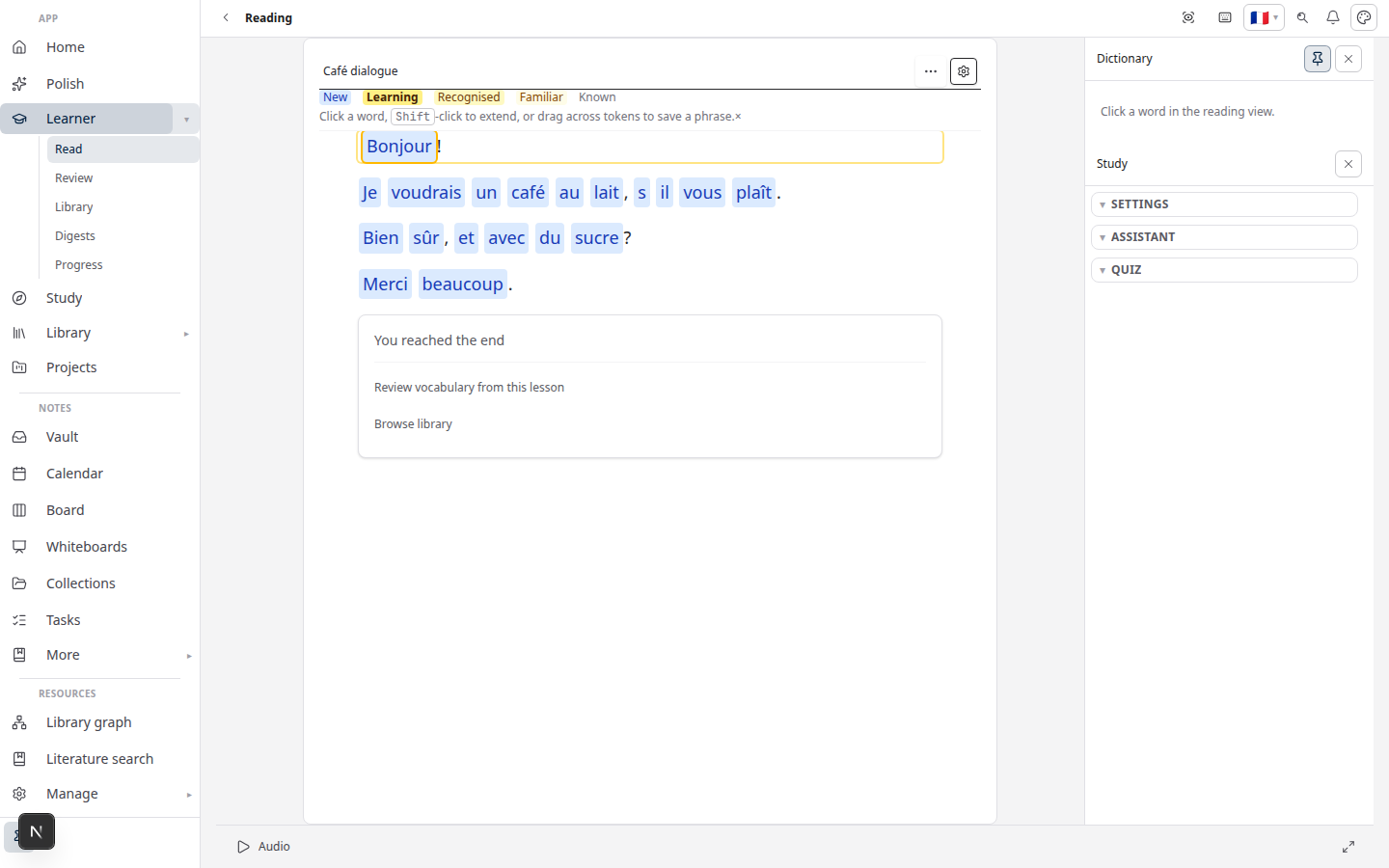
- Open the reader and tap words to save them.
- Open Review when cards are due (vocabulary guide).
- Optional: Community — browse or share texts if your admin turned that on.
From Writer and Library
- Writer → Learner — send a section from your paper without pasting huge blocks of text (bridge guide).
- Library — open sources you already uploaded for research, when your account links them to Learn.
Related reading
Bahasa Melayu: Cara import artikel dan buku (MS)
Subscribe: RSS — Language learning series