From Writer to Learner — study foreign sources while you write
Send paper sections from Lattuce Writer to Learner — study foreign-language sources and build vocabulary without copy-paste limits.
If you write papers in Lattuce Writer but read sources in German, Malay, Arabic, or another language, you do not need to copy huge passages by hand. Lattuce Learner lets you send a section straight into the reading and vocabulary workflow.
Works when Writer and Learner run together — on one site or with Writer on your main domain and Learn at lingo.lattuce.app on the same account.
Who this is for
| You | Typical use |
|---|---|
| Graduate student | Read sources in one language; write the thesis in another |
| Bilingual author | Draft in English; study terminology in Malay or German |
| Family | Parent uses Writer for work; child uses Learner on the same household install |
Before you start
| You need | Notes |
|---|---|
| A paper with readable foreign-language text | Attach sources in Writer first |
| Learner enabled | Your admin turns on the Learn service at lattuce.app |
| One sign-in | Same Google account for Writer and Learner when unified login is set up |
How the bridge works
- Open your paper in Writer.
- Select the section or passage you want to study.
- Choose Send to Learner (or ask the product assistant to propose the transfer).
- Learner receives the text on the server — no giant paste in the browser.
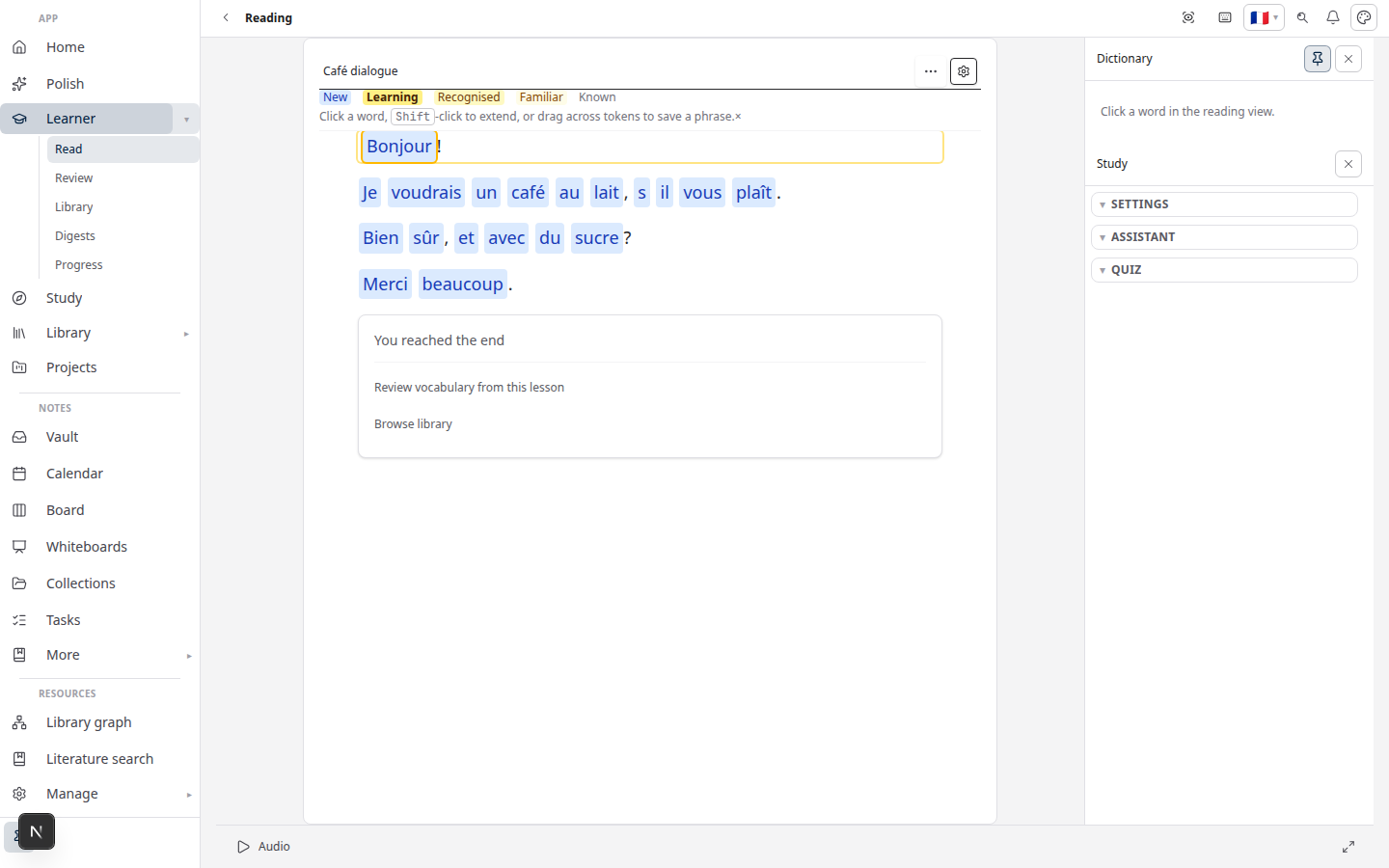
- Open it in Learn → read, save words, and use Review when cards are due.
Which tool for which job?
| Goal | Use |
|---|---|
| Export a cited Word document, run research missions | Writer |
| Build vocabulary from foreign-language prose | Learner |
| Exam prep and Q&A over your course PDFs | Study — not Learner |
Still unsure? Study vs Learner.
Why keep them on one install
- Reading history sits beside your papers and sources
- Library items you already uploaded can feed into Learn
- Word definitions can use the same AI setup as Writer (BYOK guide)
Related reading
- Import guide
- Vocabulary review
- Literature review with Lattuce — when you need a cited manuscript
Bahasa Melayu: Dari Writer ke Learner (MS)
Subscribe: RSS — Language learning series