Spaced repetition in Lattuce Learner — remember the words you save
How spaced repetition works in Lattuce Learner — save vocabulary while reading and review words on schedule at lingo.lattuce.app.
For in-app help, ask the product assistant about Study in Learner (help doc learner-study).
Saving a word while reading is only half the job. Lattuce Learner brings words back on a smart schedule so you review them just before you would forget — the same idea as vocabulary or Anki, on lingo.lattuce.app or Learn in the Lattuce menu.
Who this is for
Anyone learning a foreign language by reading who wants words to stick, not disappear after one pass through a chapter.
Before you start
| You need | Notes |
|---|---|
| Imported foreign-language text | Words you save in the reader become review cards |
| A few minutes for Review | Open Review when the app shows due cards |
Optional: richer fill-in-the-blank cards and quizzes when your admin adds an AI key. Basic vocabulary review works without it.
How words get into Review
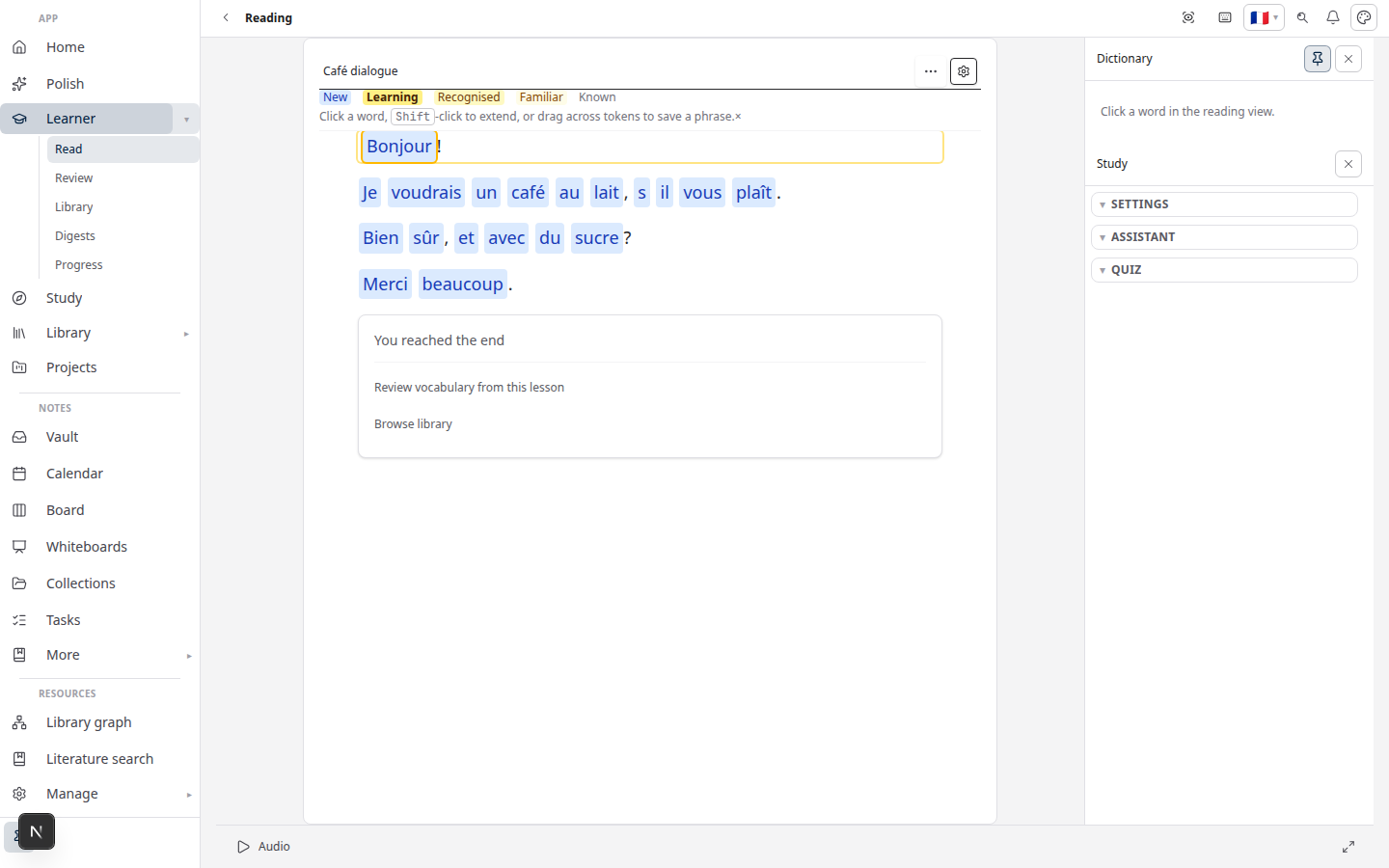
- While reading — tap or click a word or phrase and save it to your vocabulary.
- From subtitles — import dialogue and build cloze cards (import guide).
- From Writer — send a paper section to Learner and mark words there (bridge guide).
Each card remembers how well you knew it and sets the next review date.
A typical review session
- Open Review from the Learn menu.
- Work through due cards — see the word, recall the meaning, or fill in a blank in context.
- Mark each card honestly (easy, hard, or again). The app spaces the next appearance based on your answer.
Open Vocabulary to browse everything you saved and tidy your list before a long review.
Goals and what to read next
Set learning goals in Learner settings. The hub may suggest the next text that matches your level when your admin enables smart recommendations; otherwise simple rules still point you toward slightly challenging reading.
Learner is not Study
Study answers questions from your uploaded PDFs and helps with exam prep. Learner helps you acquire a language through reading and vocabulary. Prepping an exam from course materials? Read Study vs Learner first.
Related reading
Bahasa Melayu: Ulang kaji berjarak dalam Learner (MS)
Subscribe: RSS — Language learning series