Study vs Learner in Lattuce — exam prep or language learning?
When to use Study for exam prep over your PDFs versus Learner for language reading and vocabulary review.
For in-app help, ask the product assistant about Study vs Learner — which is the “tutor”? (help doc study-vs-learner).
Lattuce has two learning areas that sound similar. They solve different problems — pick the one that matches your goal.
Short answer
| Study / Revise | Learner (Lingo) | |
|---|---|---|
| Best for | Exam prep and Q&A over your course PDFs | Language learning — reading, vocabulary, review |
| Where | Study in the menu, or Revise on a paper | Learn in the menu or lingo.lattuce.app |
| You need | Uploaded sources marked ready | Text, articles, or books in your target language |
| Not for | “Teach me German from scratch” without your materials | History exam prep over your lecture PDFs |
“Help me pass using these PDFs” → Study or Revise.
“I want to read and remember words in another language” → Learner.
Study and Revise
Study is for learning from your own materials:
- Guided study — courses built from your sources
- Chat — answers cite your uploads
- Flashcards, exam prep, concept maps
- Digest this collection — audio script, tables, mind maps
- Revise on a paper — study scoped to one manuscript’s sources
Upload PDFs or links, wait until they are ready, and add AI keys in settings if you use AI features.
Learner (Lingo)
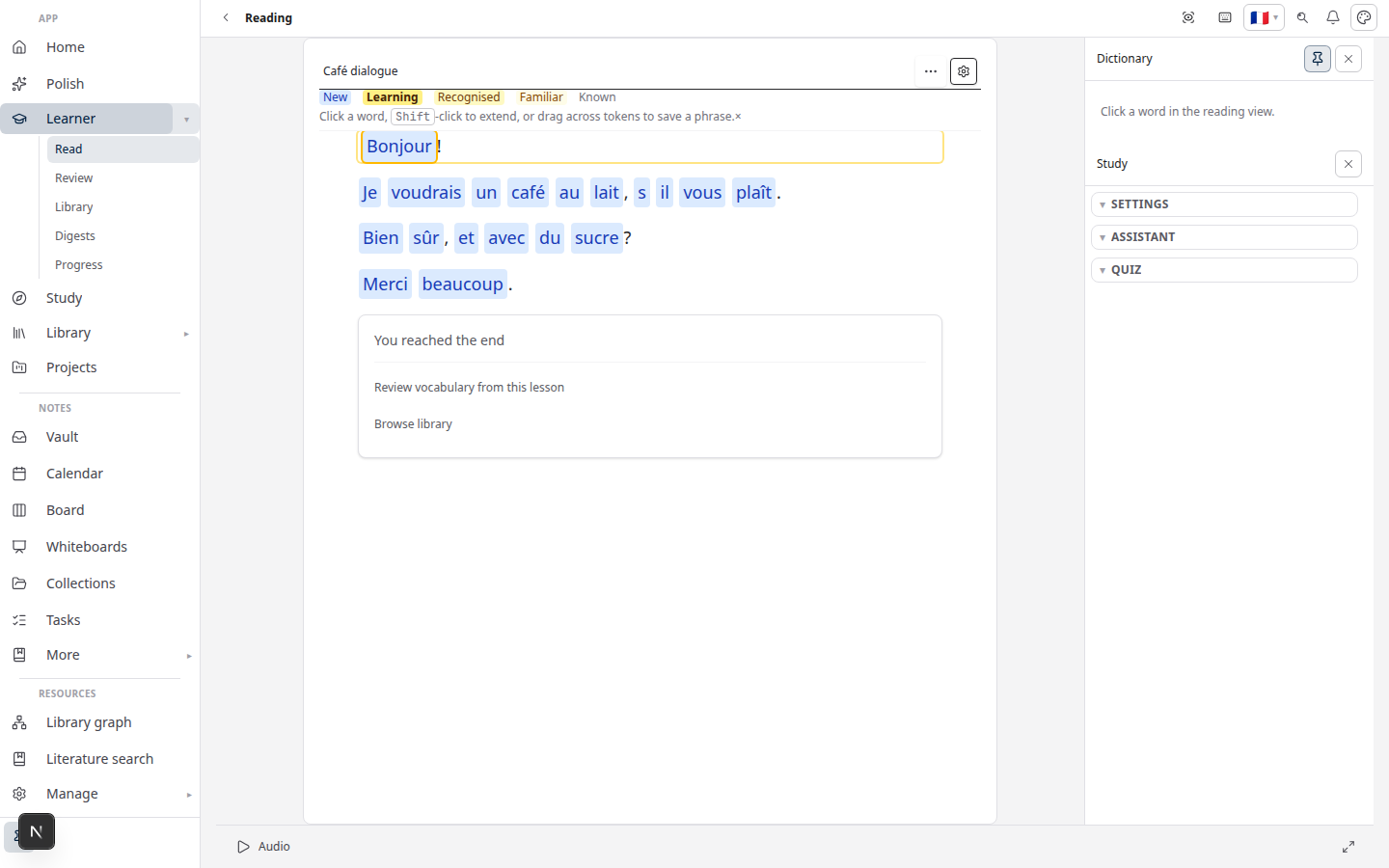
Learner is for acquiring a language:
- Import articles, books, YouTube captions
- Tap to save words; scheduled review
- Graded and bilingual reading
- Send sections from Writer to Learner for parallel reading
Learner is not a general tutor for arbitrary subjects.
When both show up in one household
Researchers often use Study for coursework and Learner for a second language — same account at lattuce.app, different menus.
Bottom line
| Goal | Use |
|---|---|
| Exam prep over your PDFs | Study / Revise |
| Reading practice + vocabulary in a target language | Learner |
Related: Getting started with Lingo · Where you can use Lattuce