Leaving Lattuce cleanly — try first, delete when you need to
Try Lattuce without an account. During alpha, self-serve deletion removes your notes and manuscripts; open-access references may remain in the catalog.
Try Lattuce before you commit to an account. If you sign up during alpha and it is not the right fit, you should not have to feel stuck here.
What follows is what account deletion actually does.
Who this is for
| You are… | Why this matters |
|---|---|
| Comparing tools during alpha | You can open lattuce.app/try with no account, then decide whether to sign up |
| Signed up and imported work | You can remove your content without emailing support |
| Sharing a household login | Read the household note below before deleting |
If you have not signed up yet, start with Try Lattuce without signing up — demos use sample content, not your thesis.
Try before you sign up
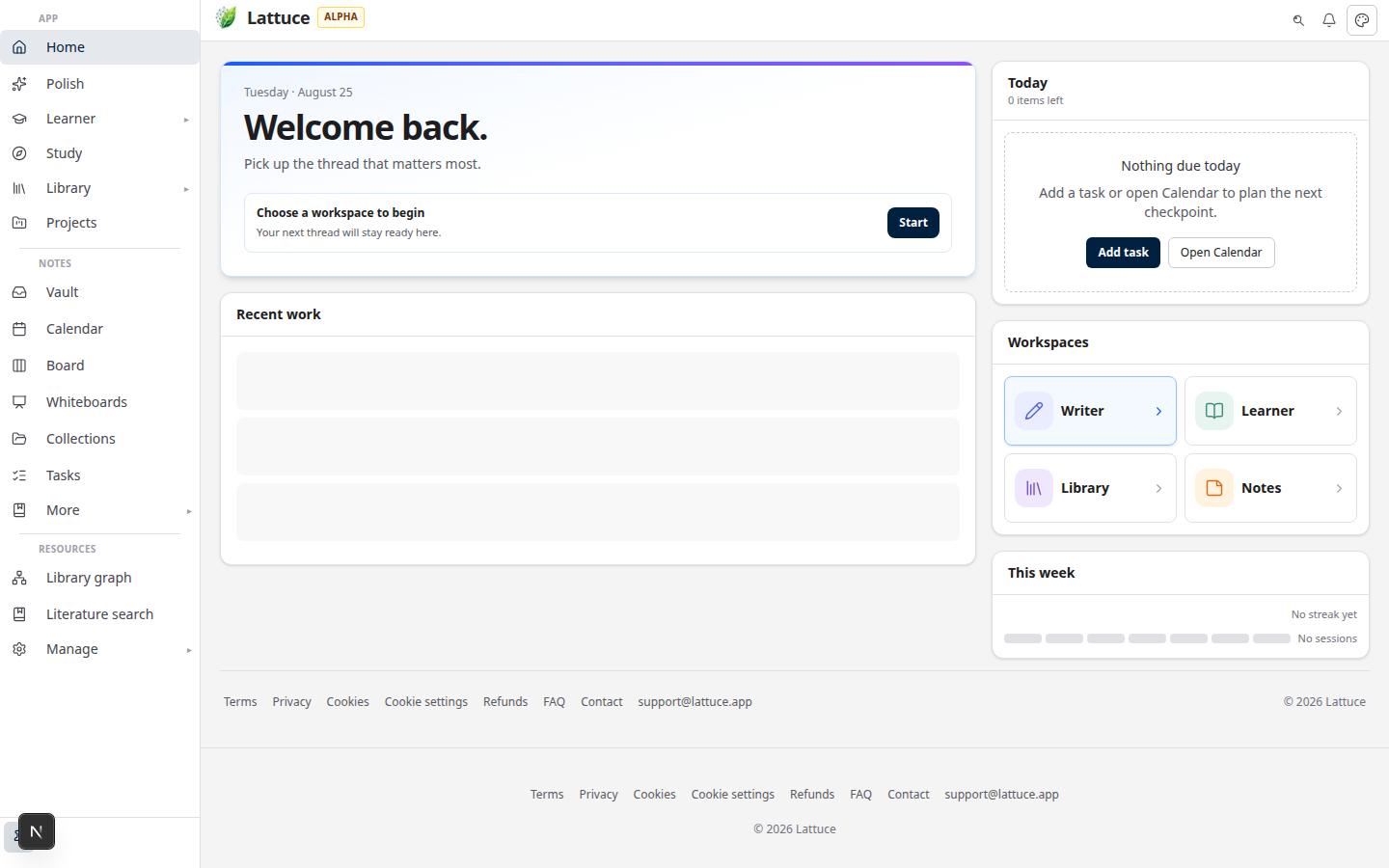
Open the Try hub to explore Writer, Notes, Learner, Study, and Polish with seeded content. Demo edits may stay in the browser or a short-lived demo session — they are not your permanent account.
Sign in when you want papers, notes, and progress to persist across devices.
Delete your account in Settings
- Open Account settings.
- Scroll to Data & account.
- Review what is removed vs kept (see table below).
- Cancel a paid plan from Billing settings if you subscribe — deletion does not replace subscription cancellation.
- Type your account email or
DELETE, then confirm.
Deletion is immediate for sign-in: we disable the account, revoke sessions, and purge your private content.
What we remove
| Content | On delete |
|---|---|
| Notes and vault folders | Removed |
| Manuscripts / papers | Removed |
| Private PDF uploads and personal sources | Removed |
| Connected Google / GitLab tokens | Revoked |
| Device tokens for Notes sync | Revoked |
What may remain
| Content | Why |
|---|---|
| Open-access bibliography metadata | Shared catalog entries (oa_status=open) may stay so other researchers keep public reference links |
| Platform corpus sources | Catalog entries not tied to your private uploads |
| Learner library & progress | Kept by default — opt in on the delete screen if you want those removed too |
| Billing & tax records | Retained per our privacy policy |
We anonymize your account row (email and display name cleared) so the address can be reused later if you return.
Household accounts
If your household has other members and you are the only owner, transfer ownership or remove members before deleting. Otherwise deletion is blocked to avoid leaving others without an owner.
Solo households can delete without that step.
Email fallback
For edge cases (locked out, compliance requests), email us via the contact page — choose Privacy & data rights. Self-serve deletion in Settings is the default path.