Try Lattuce without signing up — interactive demos at lattuce.app/try
Open Writer, Notes, Learner, Study, and Polish on lattuce.app with no account. Sample content, guest AI polish, and sign-in when you want to save work.
You do not need an account to explore Lattuce on lattuce.app. Open the Try hub at lattuce.app/try — Resume recent demo work, open Apps (Writer, Notes, Learner, Study, Polish), and explore seeded product workspaces that match the real studio chrome.
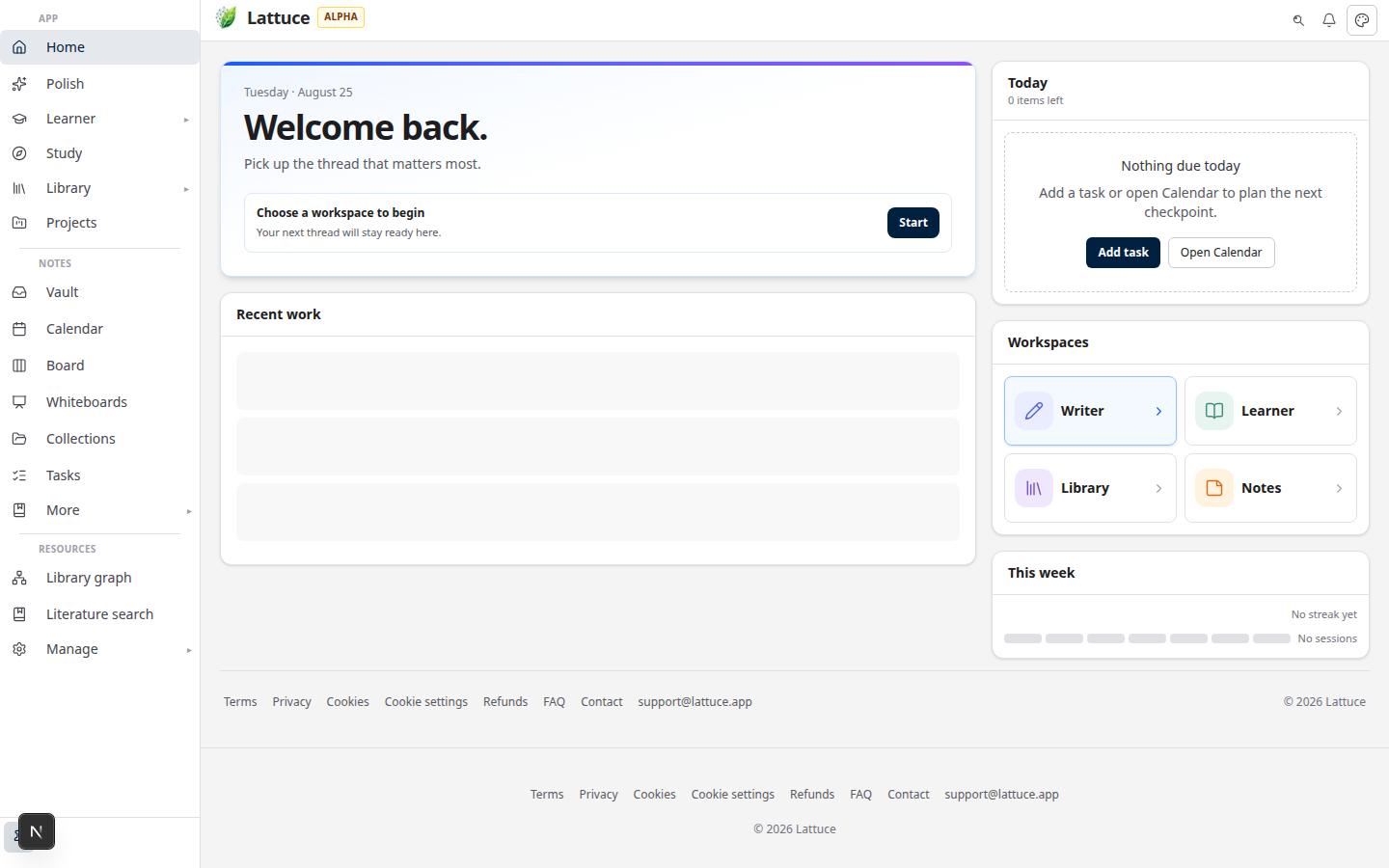
This guide is for researchers and authors who want to touch the product before sign-in — not for private server installs (those are not available yet).
Who this is for
| You are… | Why the demo hub helps |
|---|---|
| Evaluating Lattuce for your thesis or lab | See layout, editing, and study flows on real sample content |
| Comparing tools (Notion, Obsidian, NotebookLM) | Decide whether Lattuce’s research stack fits before you import a library |
| Curious about Lingo / Learner | Try bilingual reading without uploading a book first |
| Need a quick AI polish pass | Use Polish as a guest — no sign-up required |
Demos are sample workflows, not a full household account. Sign in when you want papers, notes, and progress to persist across devices.
Before you start
| You need | Notes |
|---|---|
| A browser | Desktop or phone — lattuce.app |
| No account | Demos open without Google sign-in |
Lattuce is in alpha — features are real but still improving. See what alpha means for expectations.
Open the demo hub
- Go to lattuce.app/try.
- Read the amber demo mode strip — it tells you whether edits stay in the browser only or sync to a short-lived demo session on the server.
- Open an app from Apps, or use Resume when you already edited a demo in this browser.
What each demo includes
| Demo | URL | What you can do |
|---|---|---|
| Writer | /try/writer | Compose workspace — outline, TipTap draft, and sample sources for an urban heat paper |
| Notes | /try/notes | Vault layout — note list, Live/Split/Read editor, Links / Properties / Graph tools |
| Learner | /try/learner | Immersive reader — French café dialogue with word definitions and translation aids |
| Study | /try/study | Course workspace — Materials, study prompts, and a Plan pane (starts collapsed) |
| Polish | /polish | Guest AI to fix, paraphrase, and scan stiff phrasing — already live without an account |
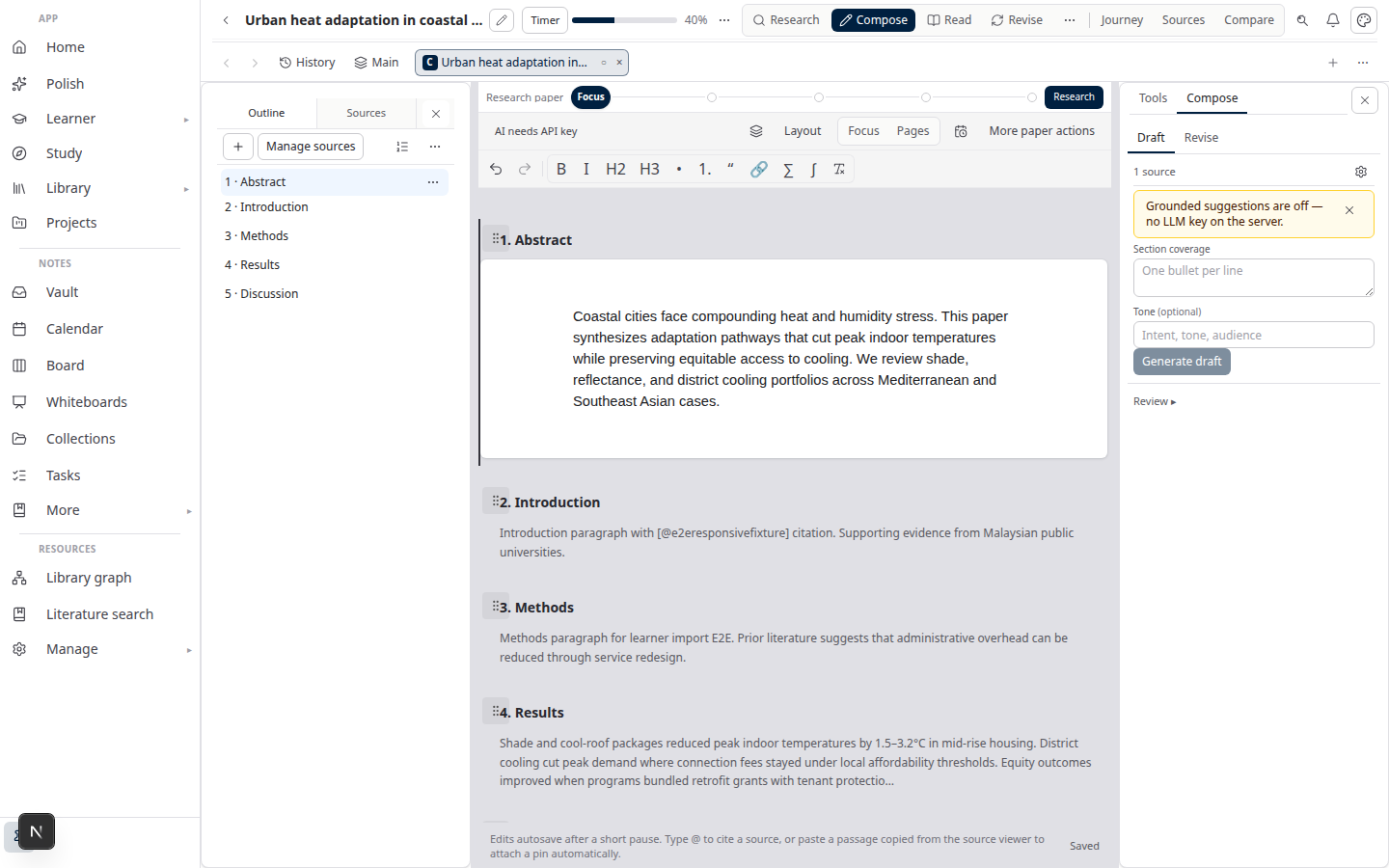
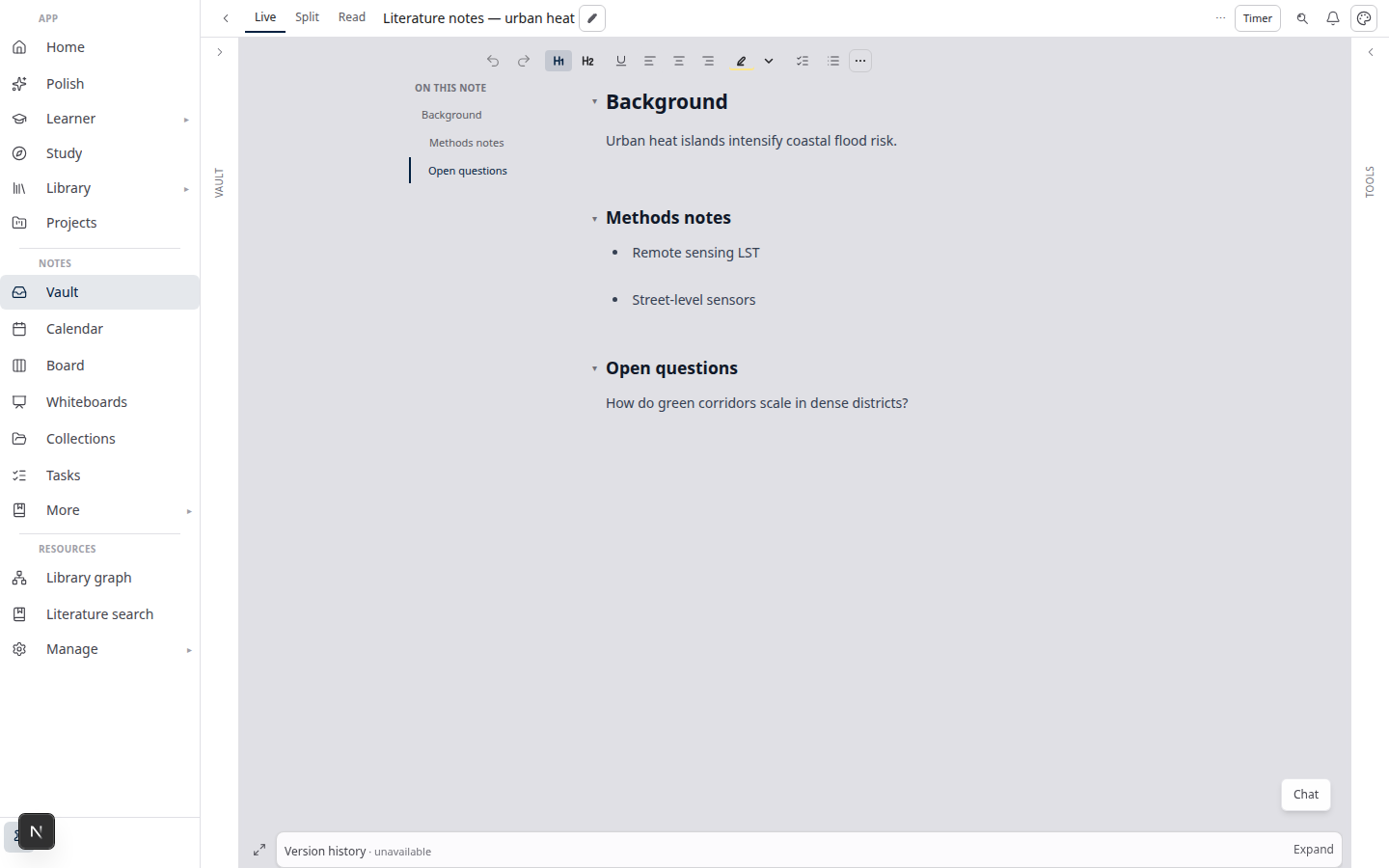
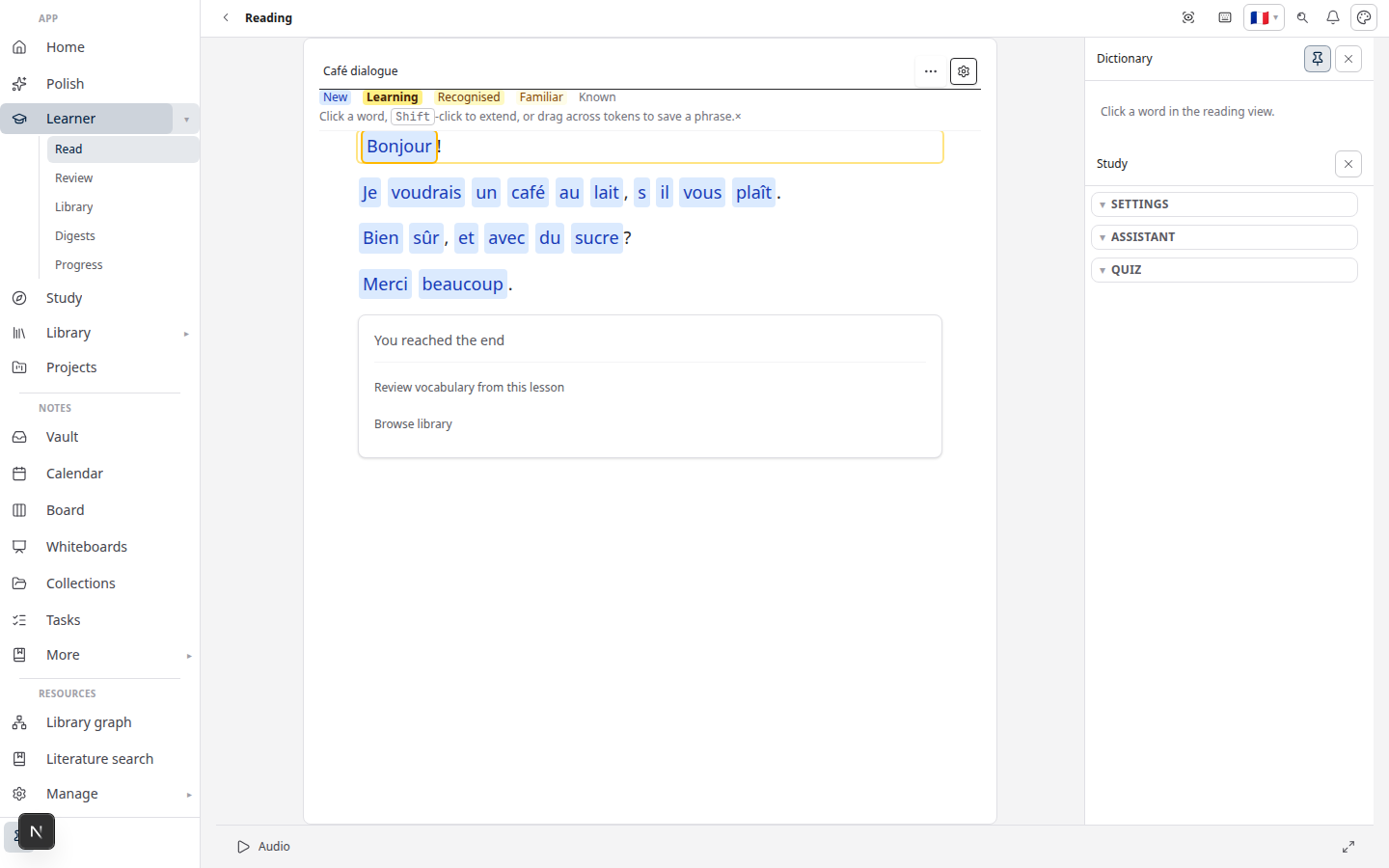
Each slice uses seeded content so you can explore immediately. You are not uploading your own PDFs or notes in these demos.
Local vs server demo sessions
| Mode | What happens to your edits |
|---|---|
| Browser-only | Changes stay in this browser only. Clearing site data resets the demo. |
| Server demo session (when enabled) | Edits sync to a temporary workspace for a limited time. The banner shows an expiry hint. Still not your permanent account. |
Either way, sign in when you want work saved to your household on the Free plan.
When to sign in
Use Sign in free on any demo page when you are ready to:
- Keep papers, notes, vocabulary, and study progress across devices
- Upload your own PDFs and Word files
- Start a real project from the library or papers hub
See Pricing for plan limits. Cloud access today is at lattuce.app — see where you can use Lattuce.
What demos do not replace
| Limit | Detail |
|---|---|
| Your library | Demos do not import or search your PDF collection |
| Collaboration | No shared household editing in guest mode |
| Full Writer export | Sample paper editing only — export and missions need a signed-in project |
| Private lab install | Demos run on the public cloud site at lattuce.app |
Lattuce complements team wikis — it is not a Notion replacement. See Lattuce vs research apps and Notion vs Lattuce.
Related reading
- Lattuce at lattuce.app is in alpha — what to expect today
- Where you can use Lattuce today — browser now; apps on the way
- Study vs Learner — exam prep vs language learning after you sign in
- Getting started with Lattuce — in-app help once you have an account